
The HONOR X5 Plus, with its robust 5200 mAh Lithium Polymer battery, offers impressive battery life, yet optimization can prolong its runtime significantly. Understanding your device specifications and usage habits can help maximize battery efficiency. Many users are unaware of the details that can make a difference in battery performance. By adjusting software settings, managing apps, and adopting smart charging practices, you can enhance your phone’s battery life and keep it running longer between charges. This blog will guide you through vital tips tailored specifically for the HONOR X5 plus, ensuring your device remains a reliable companion throughout the day.
Understand HONOR X5 Plus Battery Basics
Battery Capacity, Hardware, and Power Efficiency
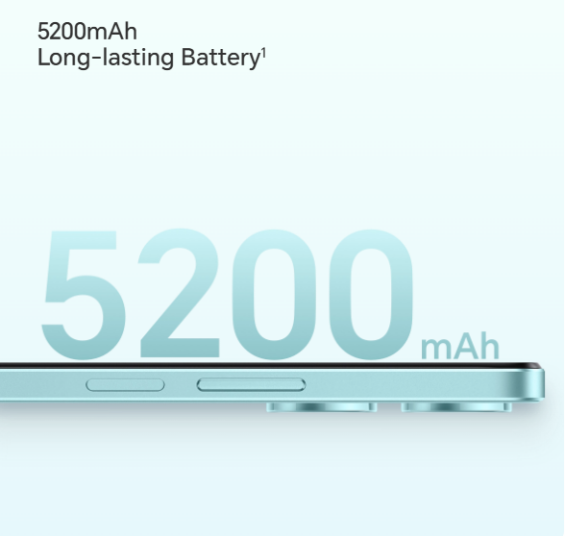
The HONOR X5 Plus is equipped with a 5200 mAh battery, offering a standard runtime that suits everyday tasks. Having a non-removable Lithium Polymer battery means maintenance revolves around efficiency maximization rather than physical replacement. The MediaTek Helio G36 processor plays a crucial role in hardware efficiency. With its Octa-core CPU and IMG GE8320 GPU, it balances performance and energy use, providing an optimal blend of power efficiency and capacity utilization. Understanding your phone’s hardware lets you appreciate how fundamental it is for battery longevity, setting the stage for maximized use.
How Software Optimization Impacts Daily Battery Life
MagicOS 7.1, based on Android 13, is robust software controlling the HONOR X5 Plus. Its system features, like Device Clone and Multi-Window, can be resource-intensive. Software optimization involves adjusting these settings to minimize unnecessary battery consumption. Regular updates ensure you benefit from the latest optimizations. The CPU’s capacity to intelligently adjust frequencies during application loads showcases the importance of software management. By recognizing power-intensive applications and features, you can tweak settings to deliver minimal consumption, keeping the phone functional without draining the battery excessively.
Daily Usage Tips to Extend Battery Runtime
Screen Settings, Brightness, and Display Management
The HONOR X5 Plus sports a 6.56-inch TFT LCD FullView display with a 90Hz refresh rate. Managing screen brightness is pivotal for effective battery use; keeping it low when ambient light suffices helps conserve energy. Utilize features such as adaptive brightness to adjust the screen when natural light changes, minimizing unnecessary energy usage. Enable multi-touch gestures to reduce screen usage time, thus lowering power consumption. Efficiently managing these settings can prolong battery runtime significantly while maintaining usability and convenience in daily tasks.
App Control, Background Activity, and Connectivity
Close unused apps and limit background activities to reduce battery strain. HONOR X5 Plus allows control over which apps can run in the background, reducing unwanted resource consumption. Connectivity features, including Wi-Fi, Bluetooth, and data usage, are integral but can deplete battery energy rapidly. Turn off Wi-Fi and Bluetooth when not in use and opt for LTE FDD connectivity, which is less power-consuming than continuous data services. These daily control practices help elongate your battery life and keep your phone operational for extended periods without recharge.
Charging Habits and Long-Term Battery Health
Smart Charging Practices for HONOR X5 Plus Users
Charge your device using the standard 5V/2A charger provided. Frequent, small top-ups can be better than full cycles, ensuring the battery remains active without stress. Avoiding overnight charging can prevent overcharging, which often leads to long-term damage. Utilize a charging schedule aligning with your usage patterns so your battery sustains capacity and performance. Explore fast charging only when necessary, as this can cause heat, adversely affecting battery health over time. Smart charging is a proactive measure for maintaining long-term battery health.
Avoiding Common Battery Drain and Aging Mistakes
Overusing battery-intensive features, such as continuous video playback or GPS functionality, accelerates drain unnecessarily. Turn off features while not in use and restrict location services to required apps only. Avoid extreme temperature exposure to maintain battery integrity. These practices ensure your battery ages well, retaining capacity and performance. Regular software updates from HONOR often contain battery management improvements, highlighting the need to stay updated. Maintaining cautious battery practices can prevent accelerated aging and ensure your HONOR X5 Plus functions optimally.

Conclusion
Understanding and implementing effective battery management strategies for the HONOR X5 Plus is vital for prolonged runtime and device longevity. Optimize software settings, manage apps diligently, and adopt intelligent charging practices to enjoy sustained performance without frequent charging interruptions. By following these practical tips, you not only extend battery life but also enhance your overall smartphone experience, ensuring your HONOR X5 Plus remains a reliable partner in your daily activities. Following these steps ensures you benefit fully from your device’s potential while your battery stays healthy longer.